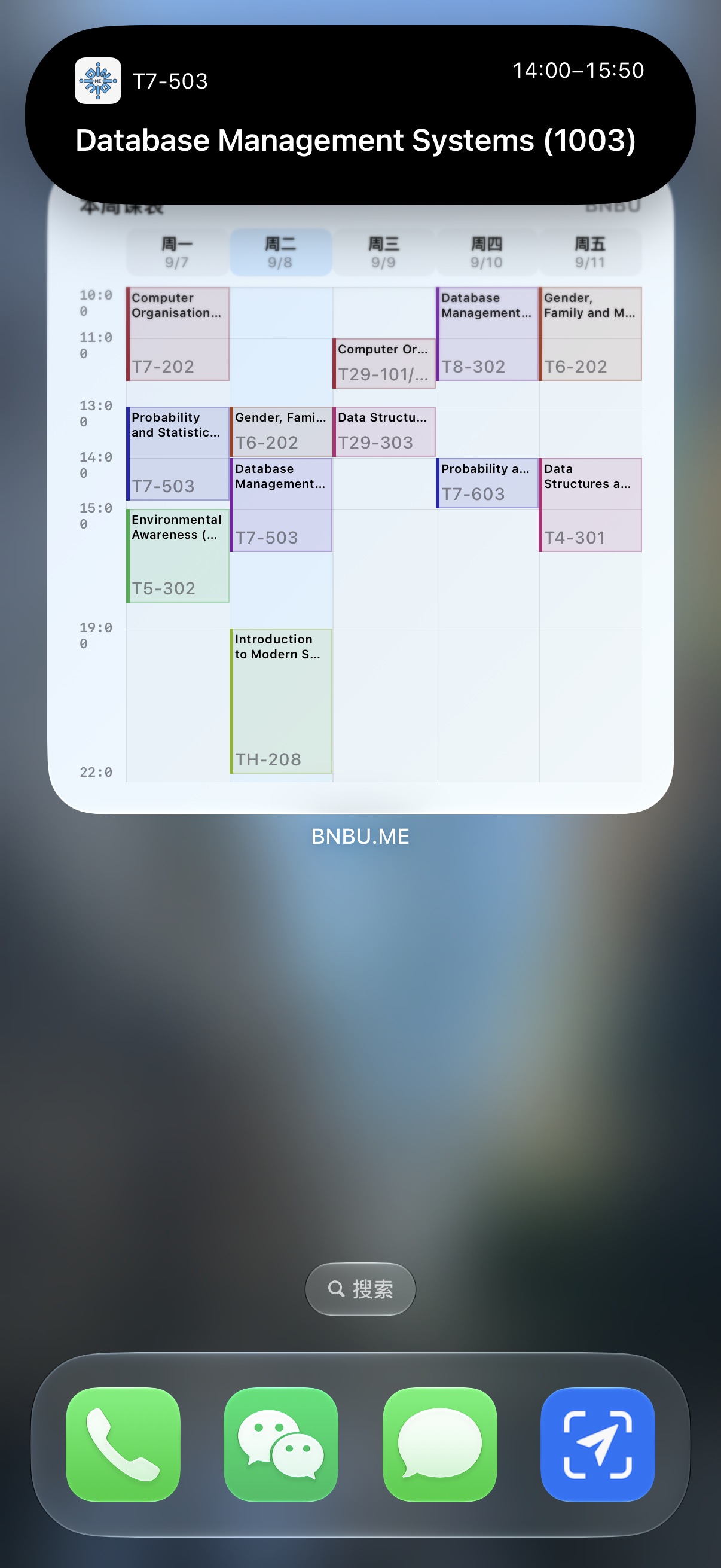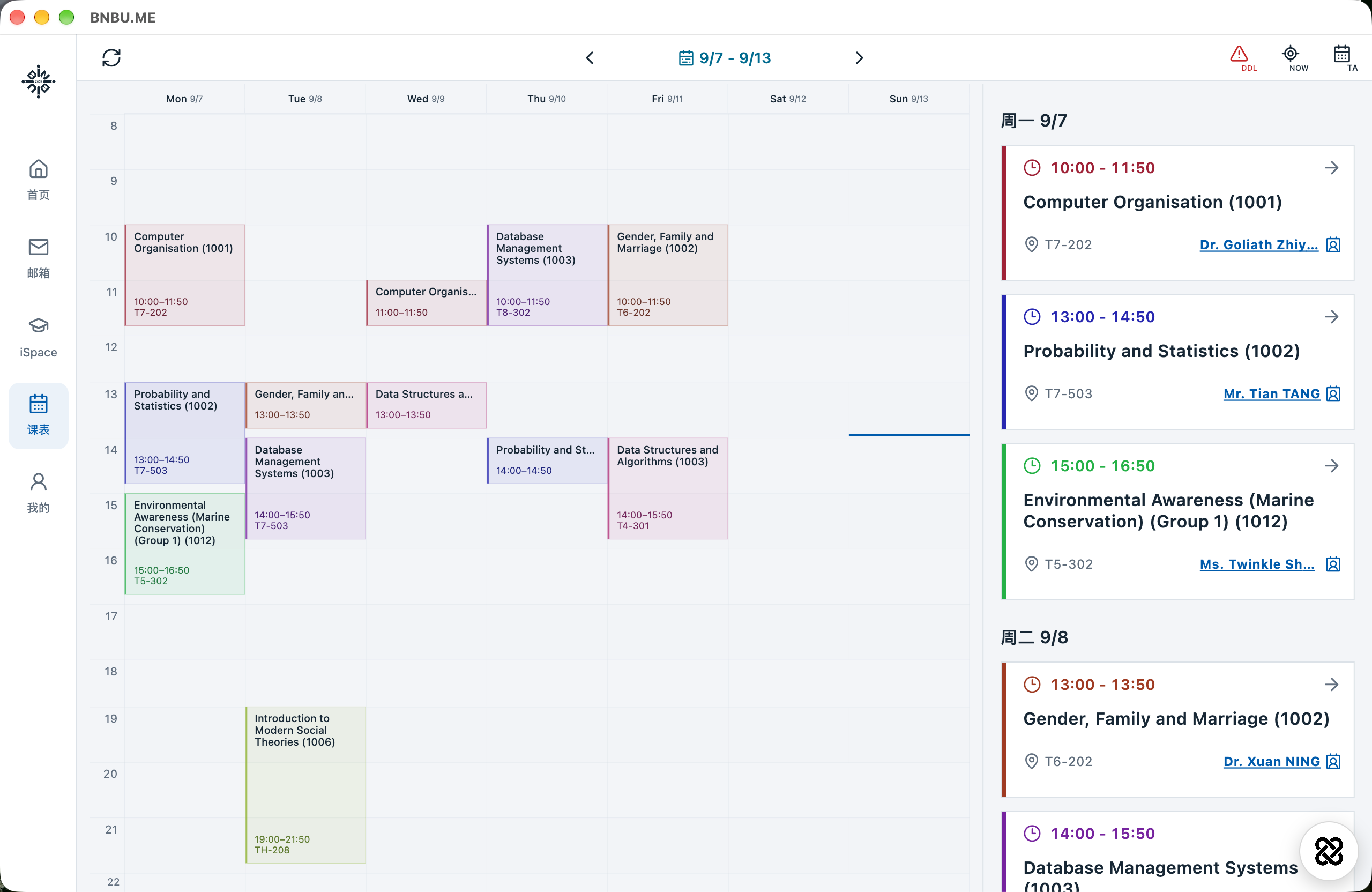
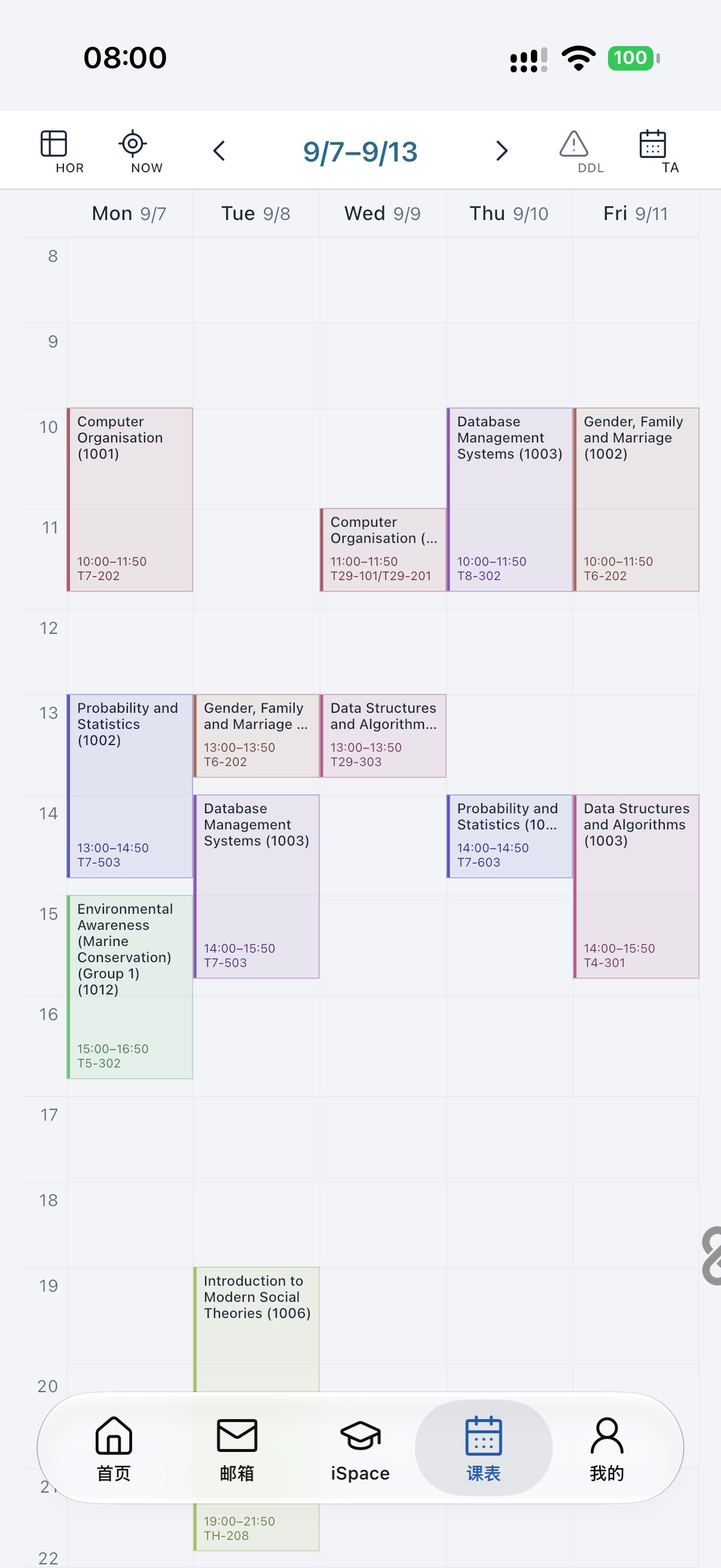
Timetable · Teaching week
Your week, clearly planned.
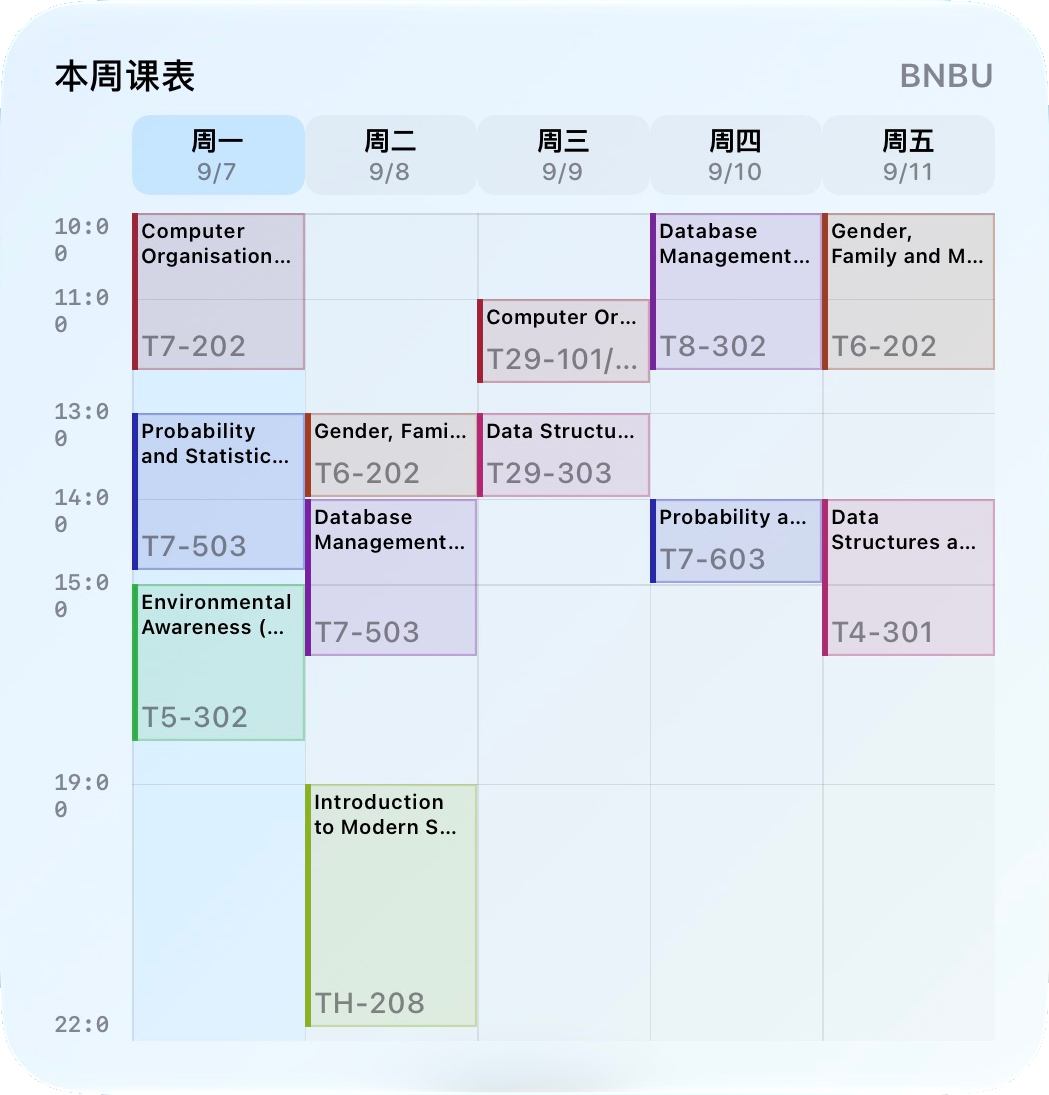
7–13 Sep
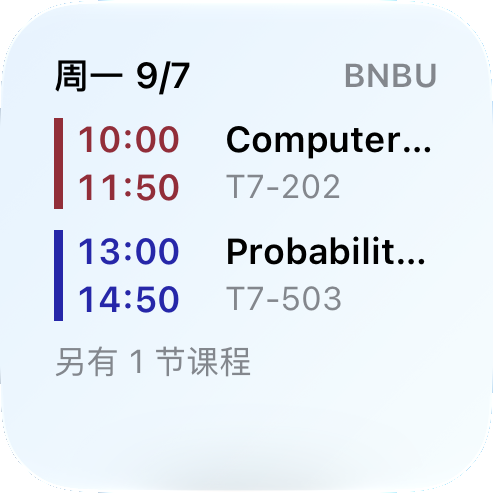
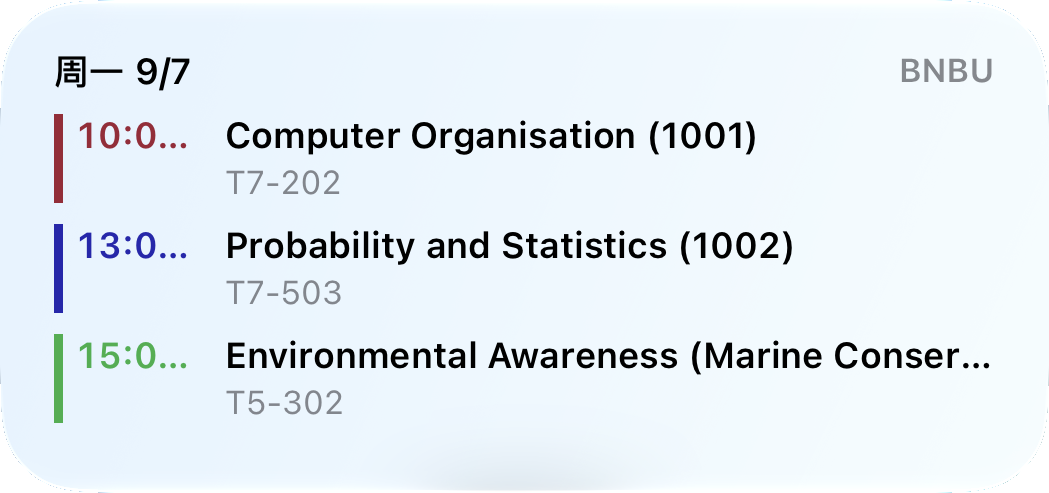
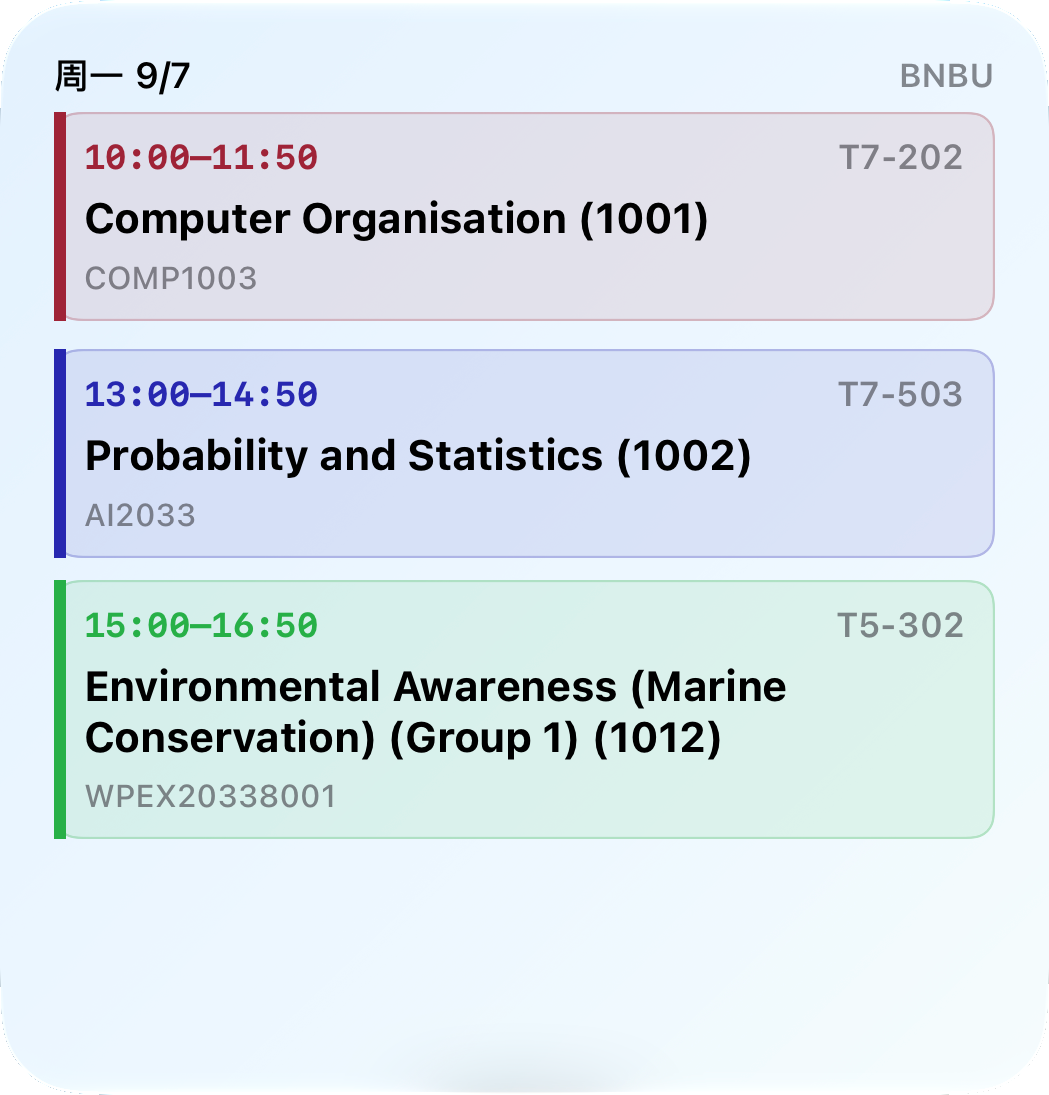
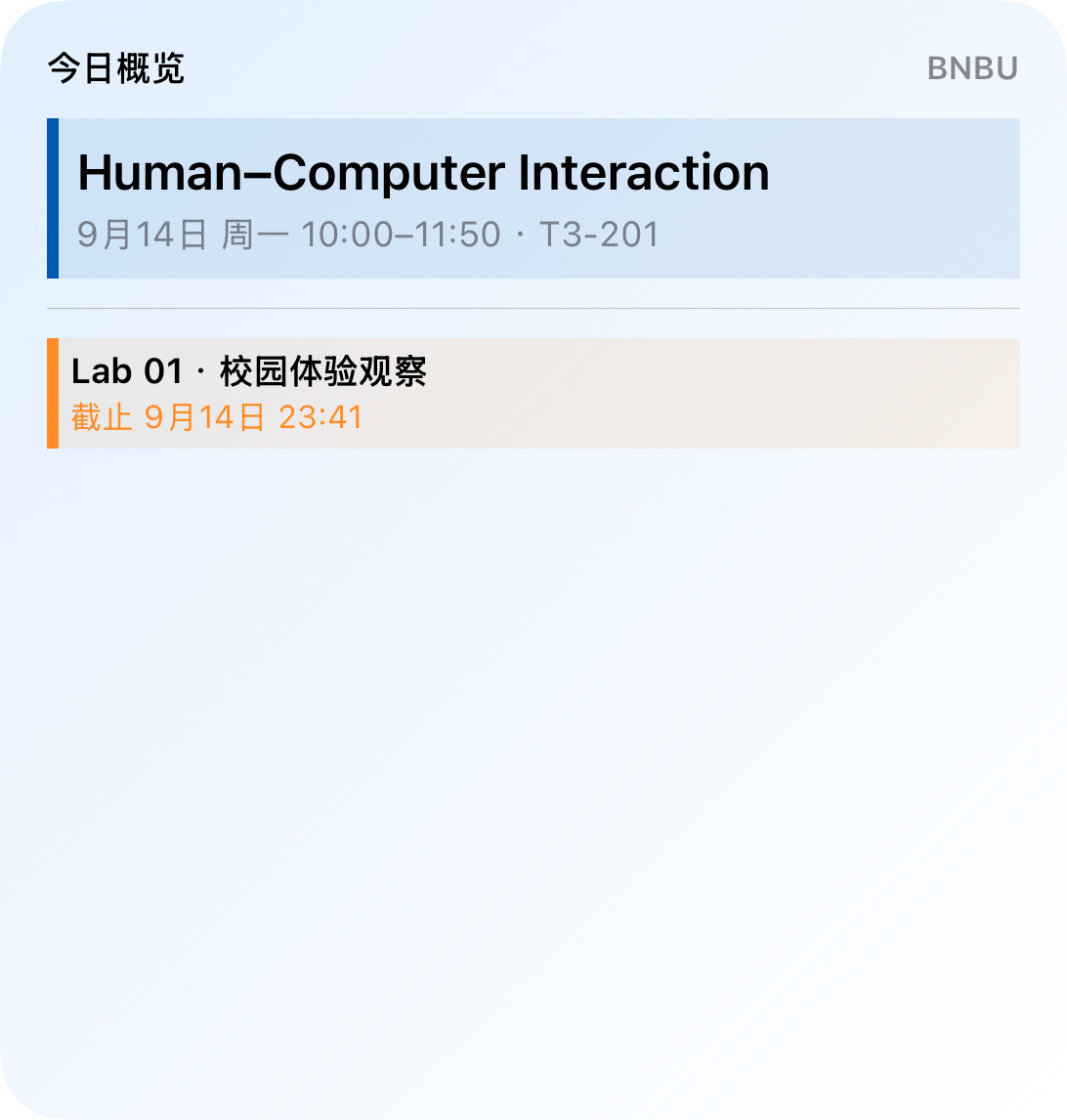
Classes, rooms and times at a glance. See the week in a grid or the day in a list.

Your campus. With you.
BNBU.ME
BNBU.ME
Your everyday essentials. All here.
From your first class to your last deadline,
keep your timetable, studies and campus life together.
Timetable · Teaching week
7–13 Sep
Classes, rooms and times at a glance. See the week in a grid or the day in a list.
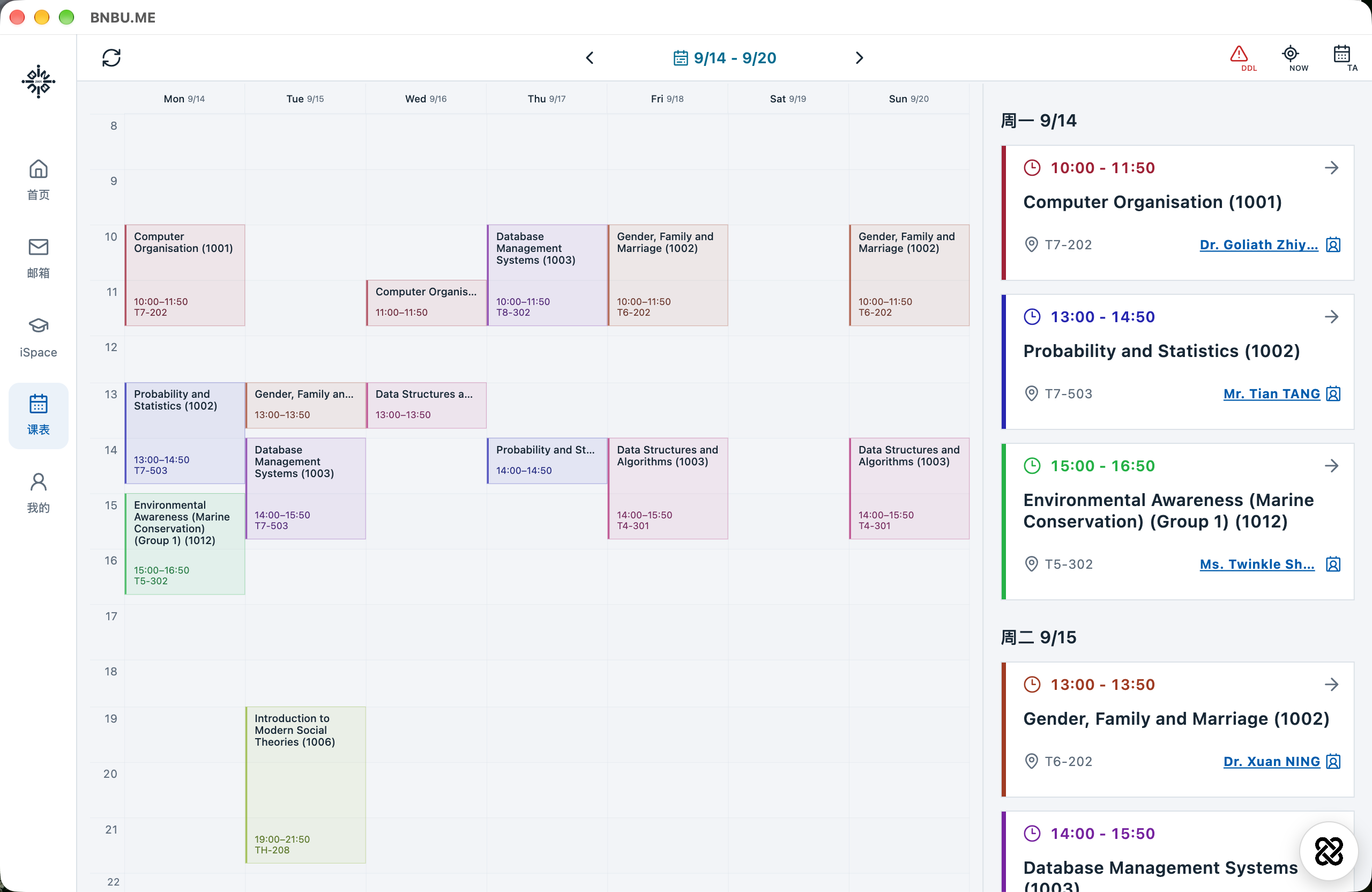
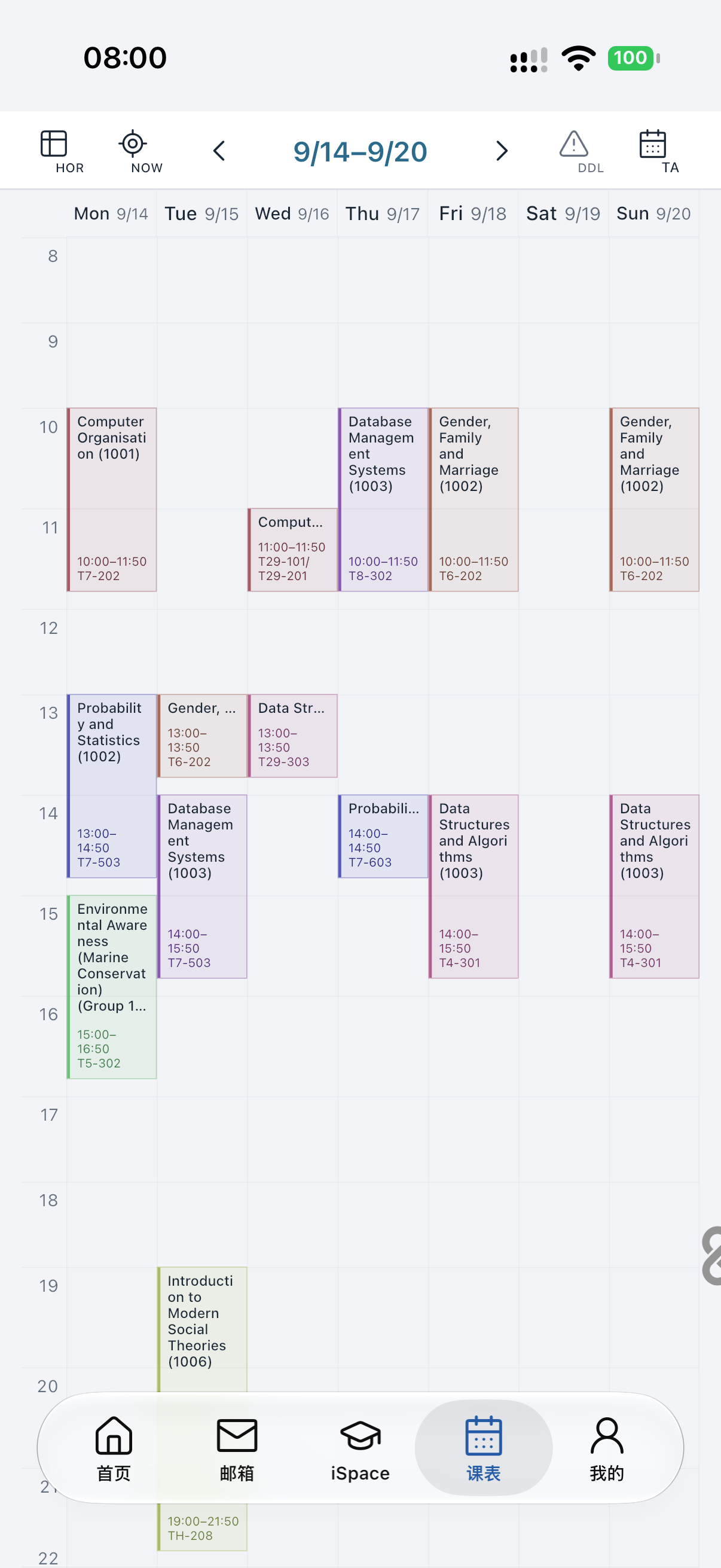
Timetable · Make-up classes
14–20 Sep
The Sunday make-up class on September 20 appears in your week. Adjusted to the academic calendar, with no swaps to remember.
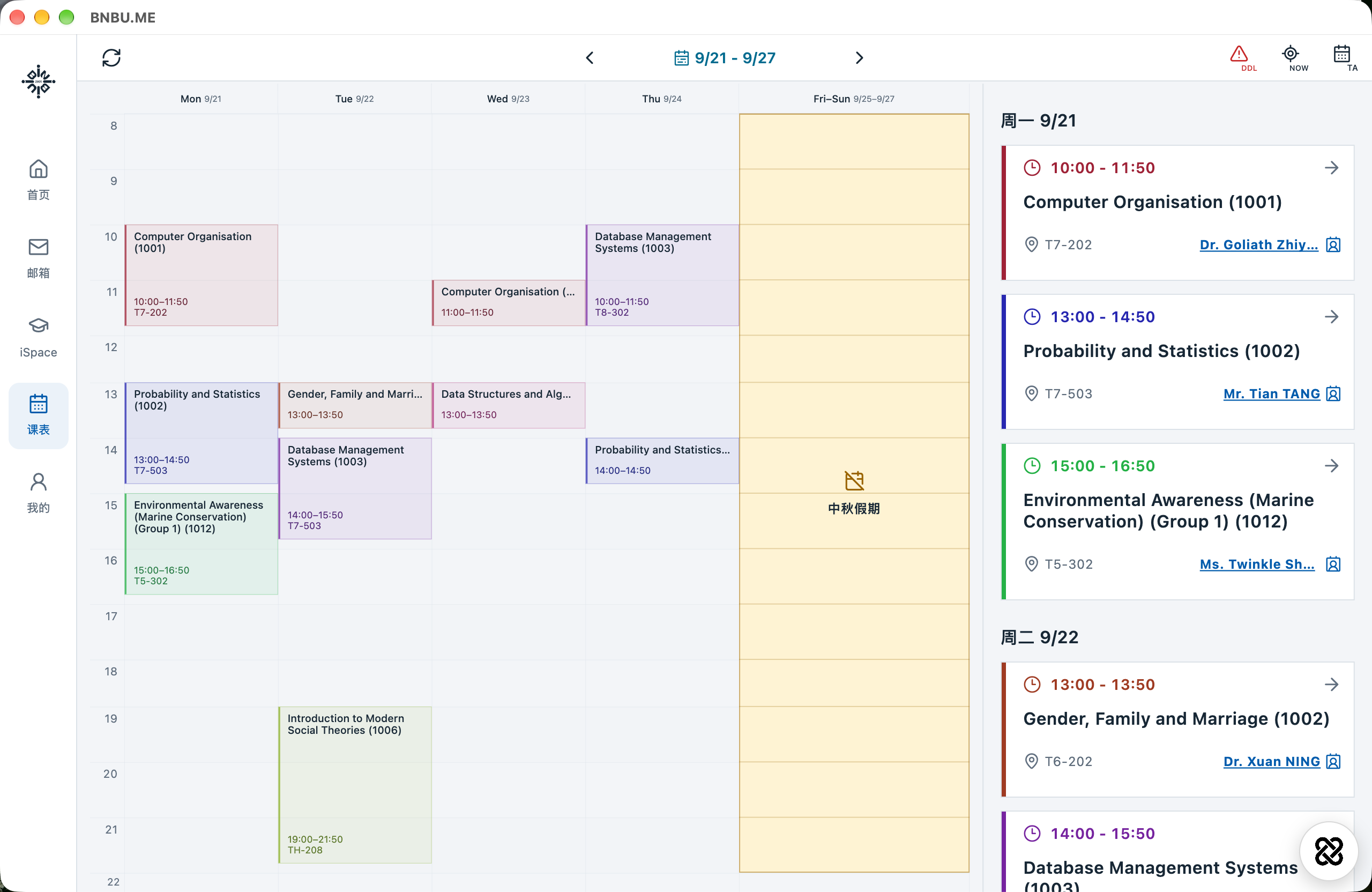
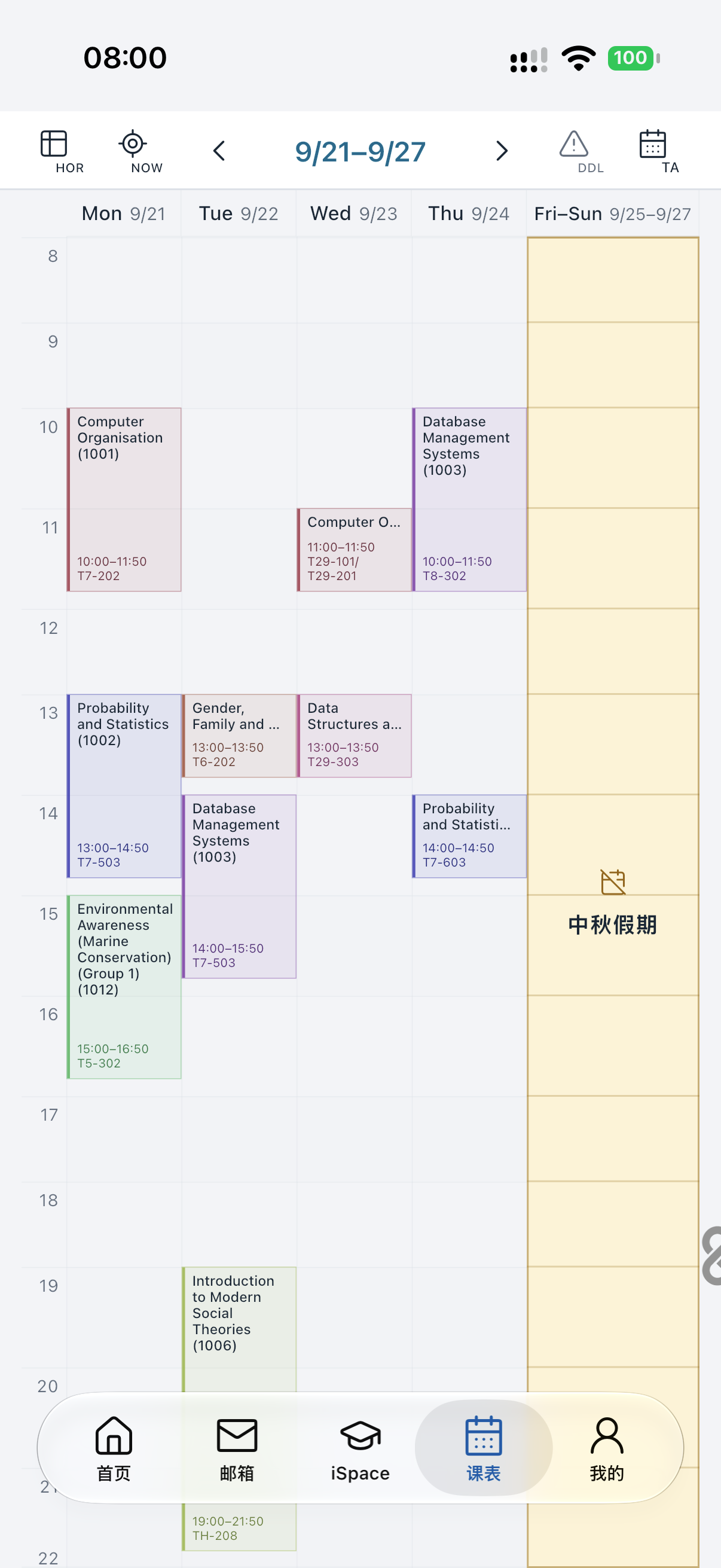
Timetable · Holidays
21–27 Sep
The Mid-Autumn Festival break is marked in your timetable. Make time for life beyond campus.
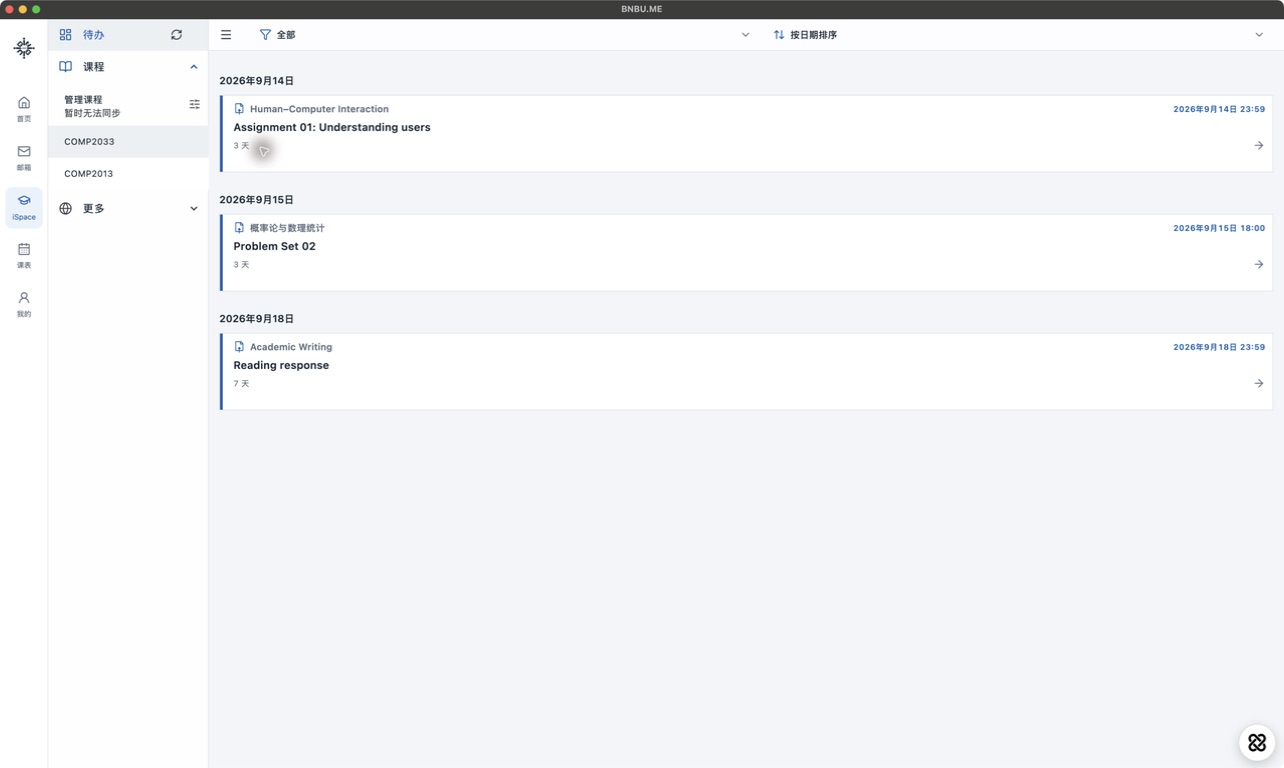
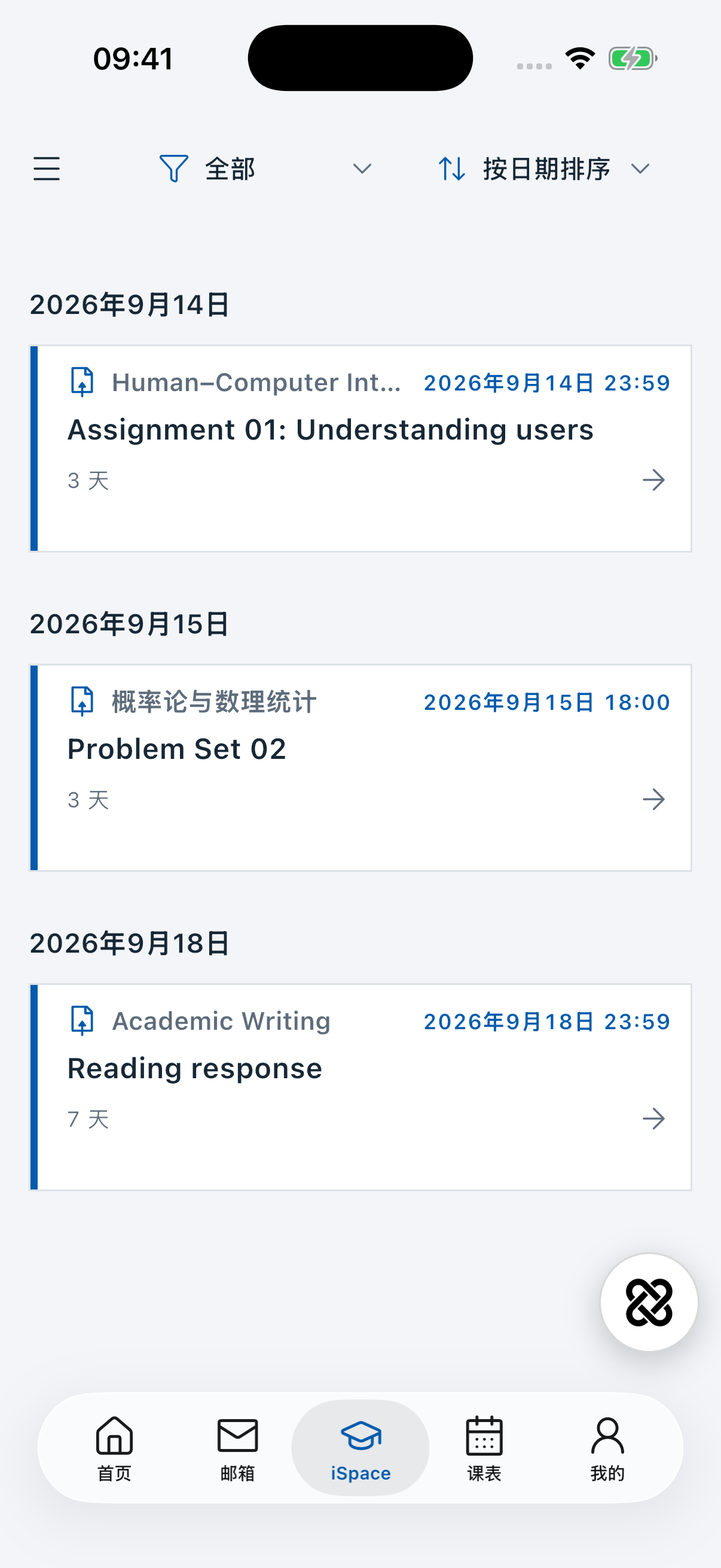
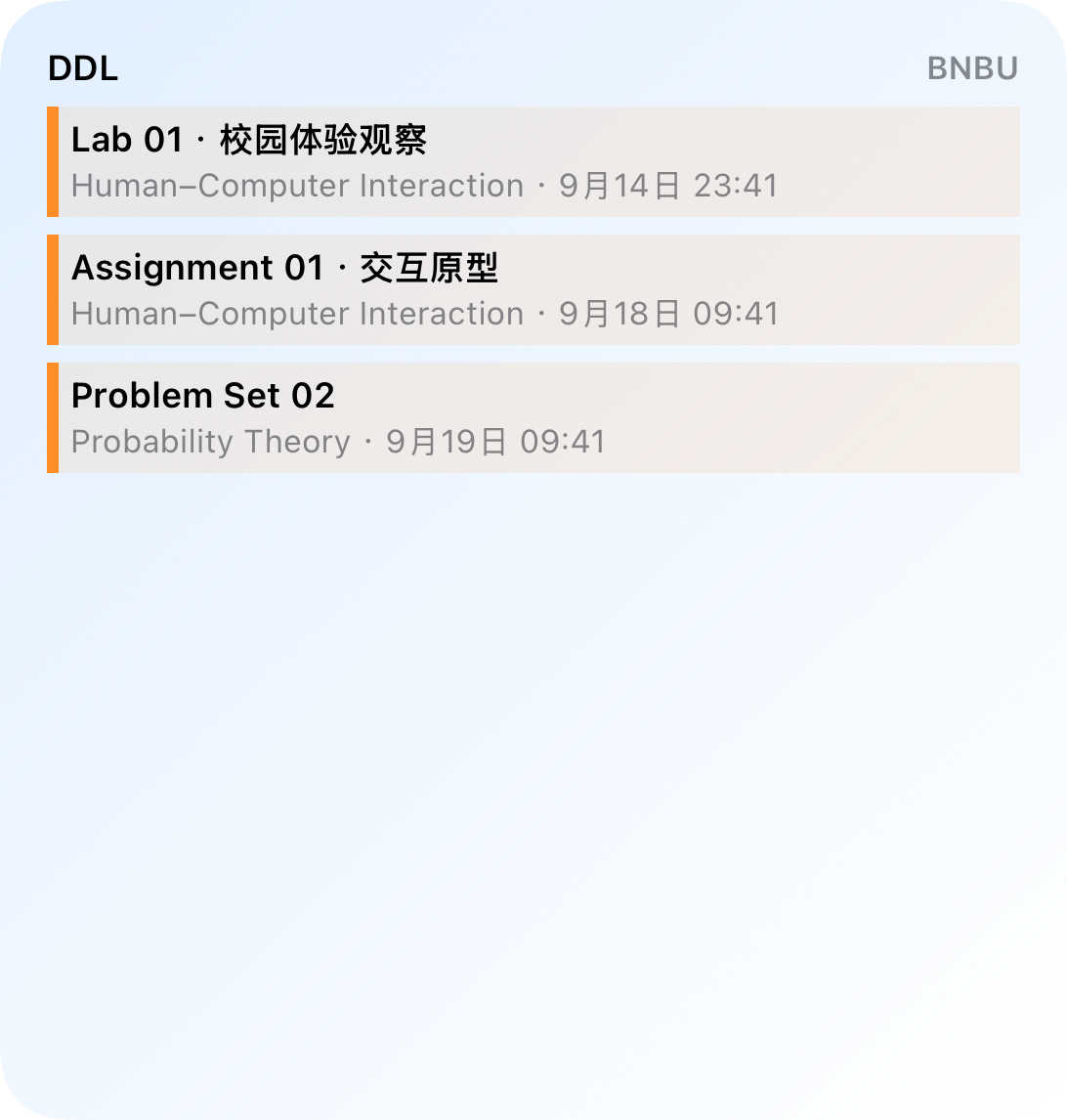
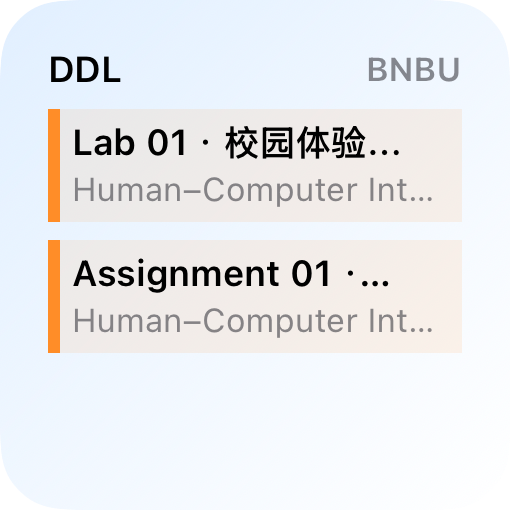
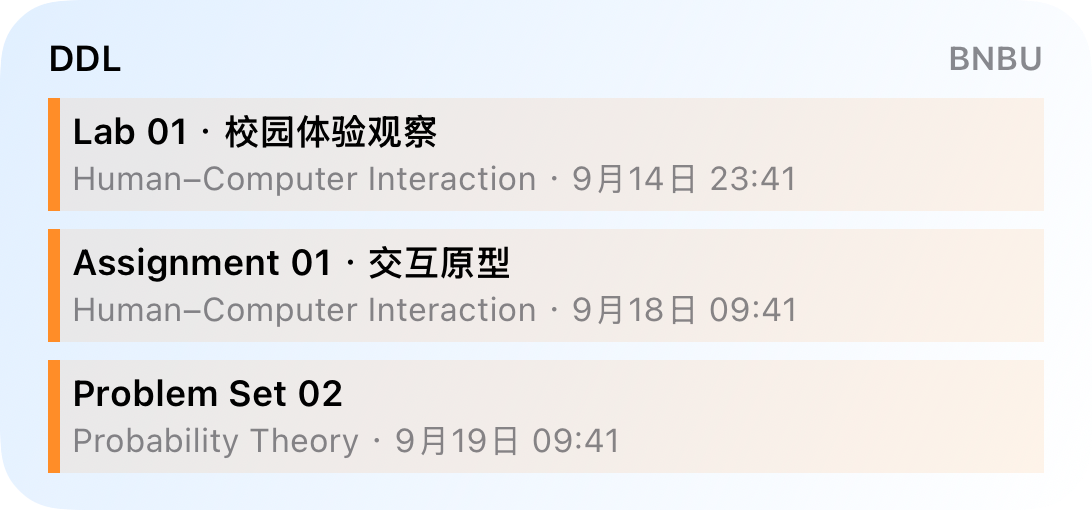
Deadlines
Assignments, activities and due dates in one clear timeline.
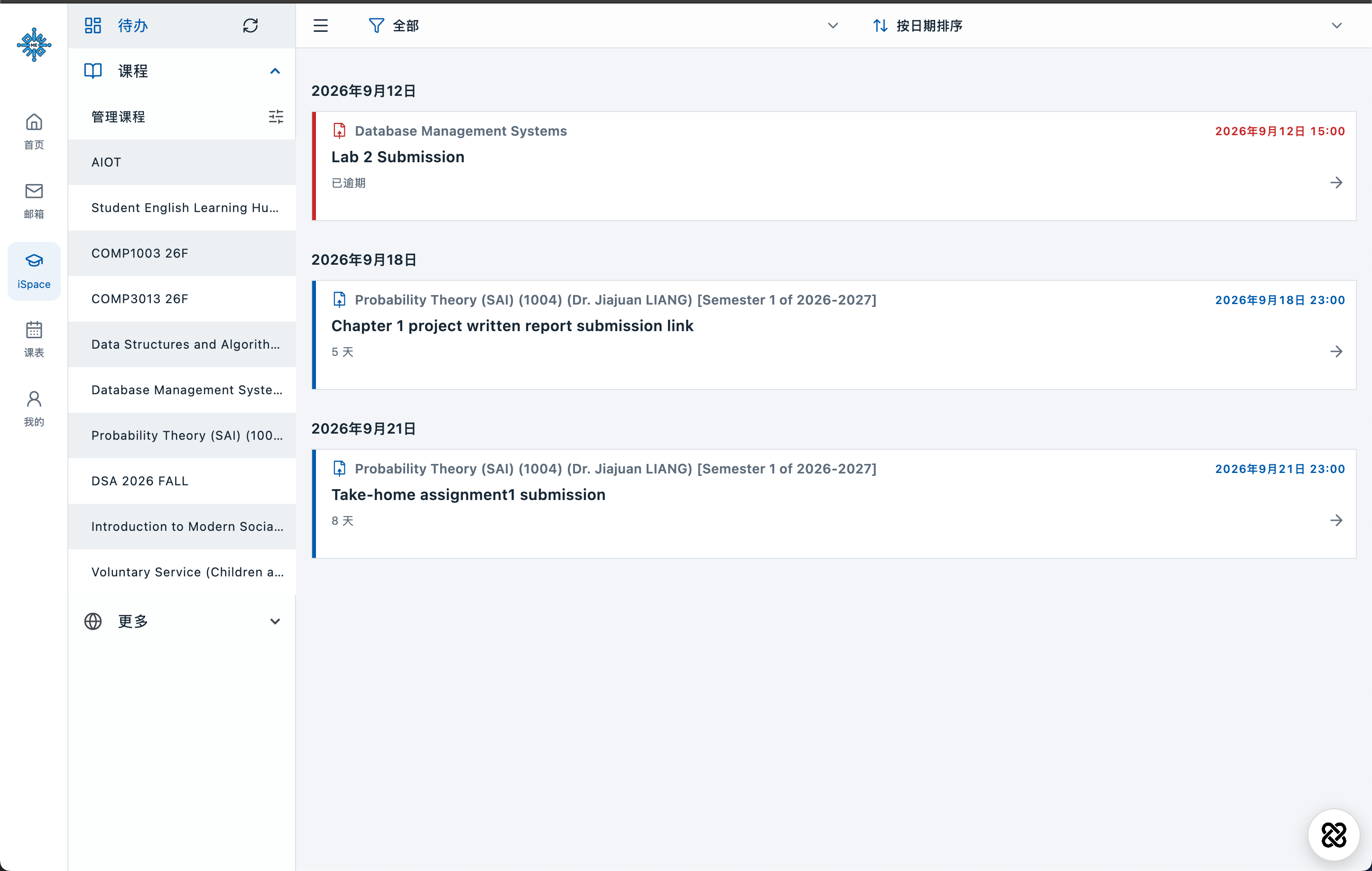
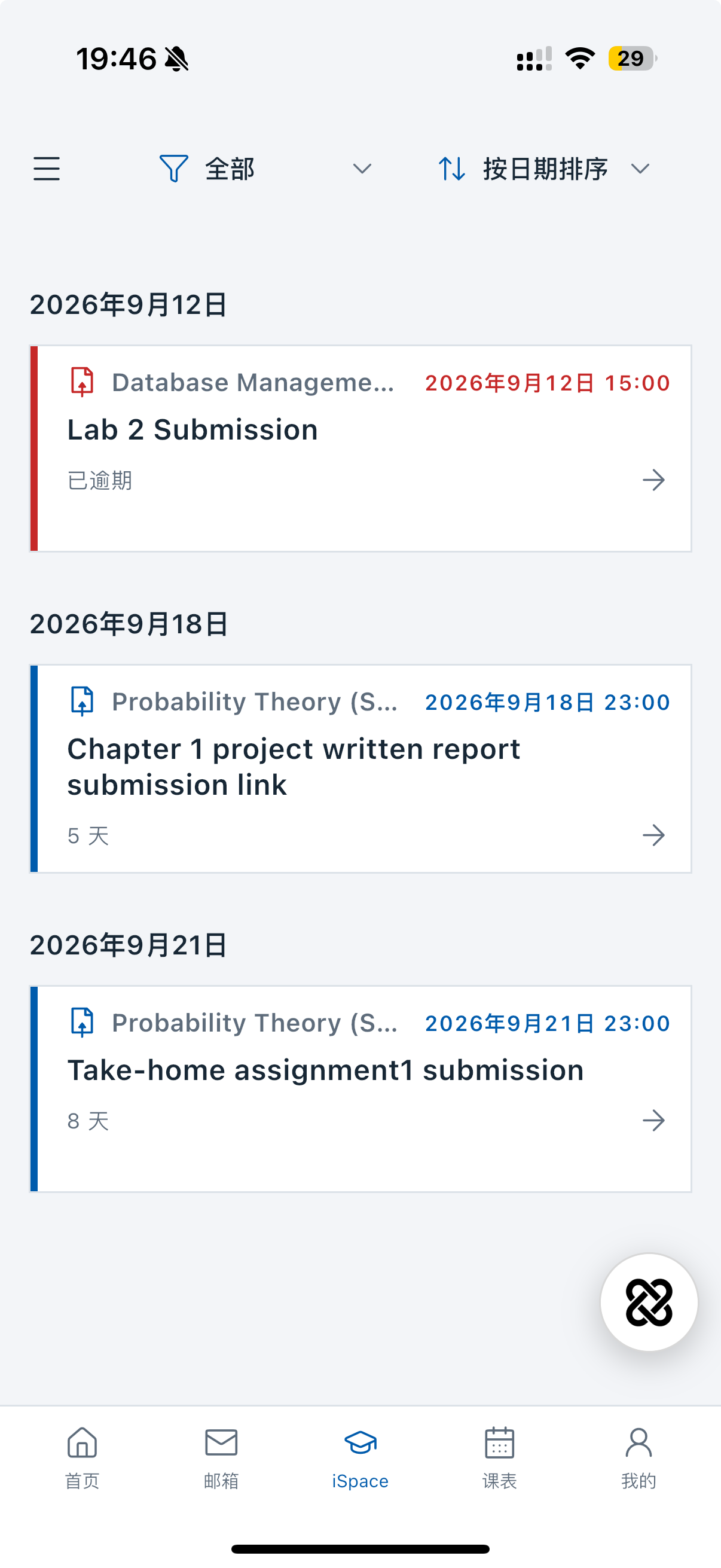
iSpace
Course sections, materials, assignments and forums.
Familiar learning resources, easier to reach.
Find this week’s materials by course section.
View, download and open course files.
Check requirements, due dates and submission status.
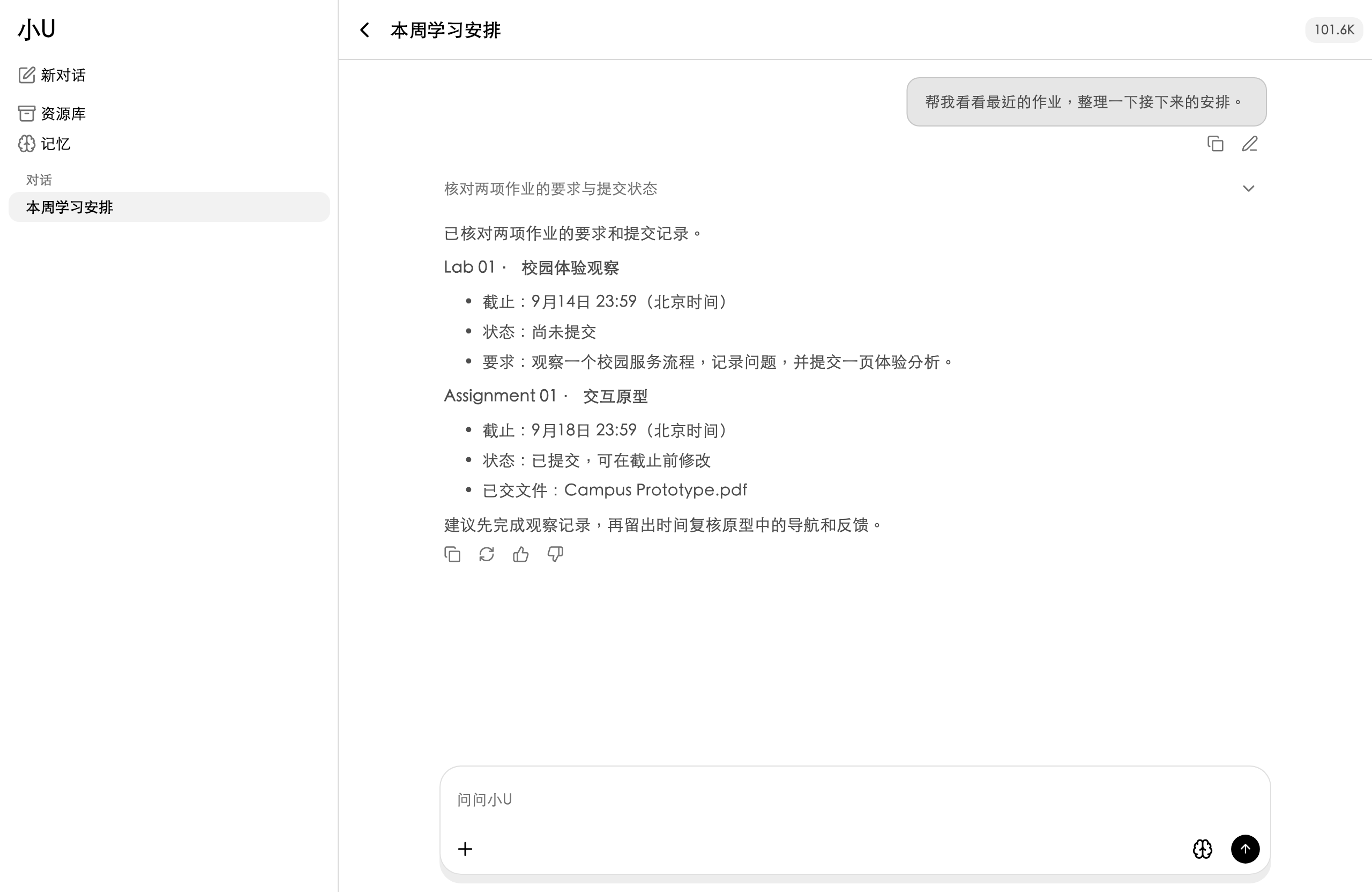
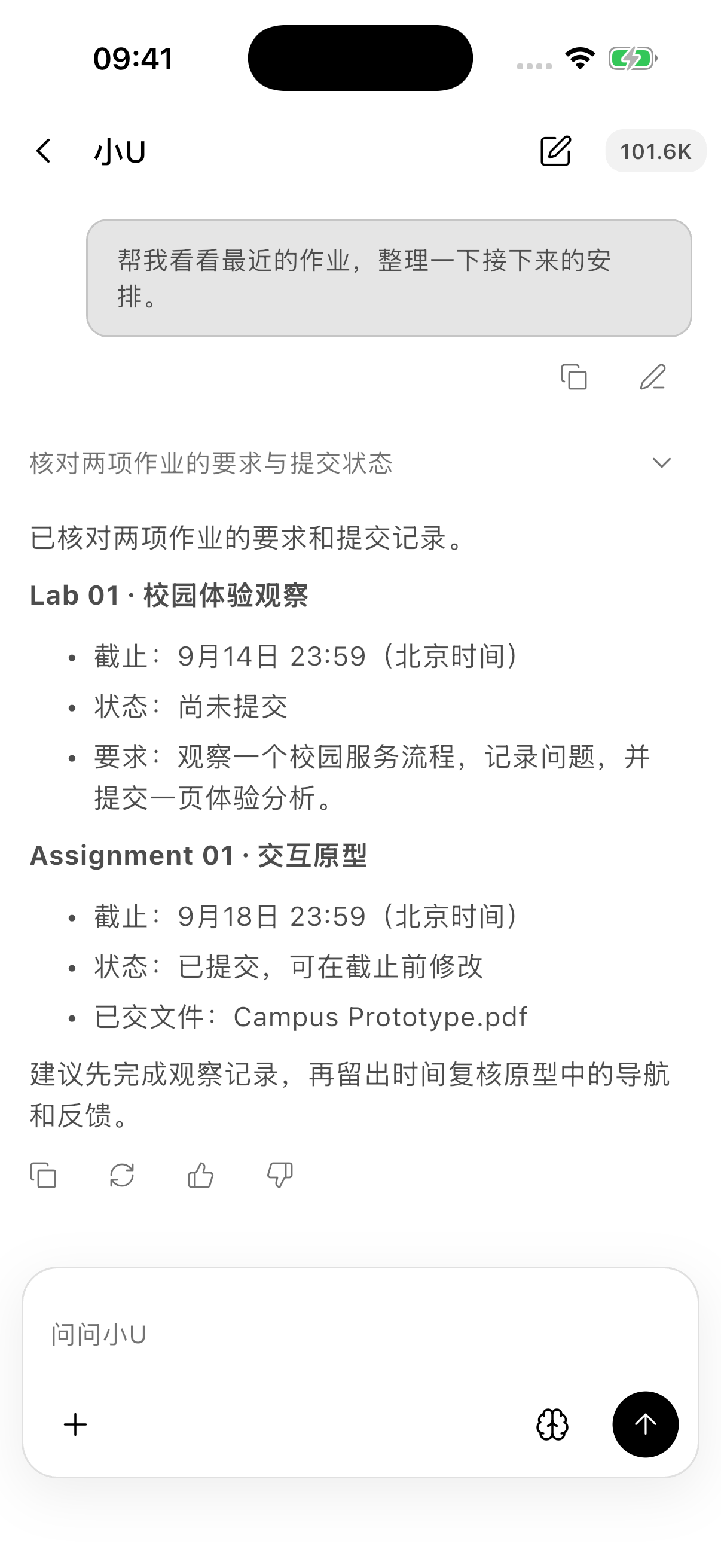
MiU
Check your timetable, organize resources and understand your courses.
Context is read only as needed. Actions require your confirmation.
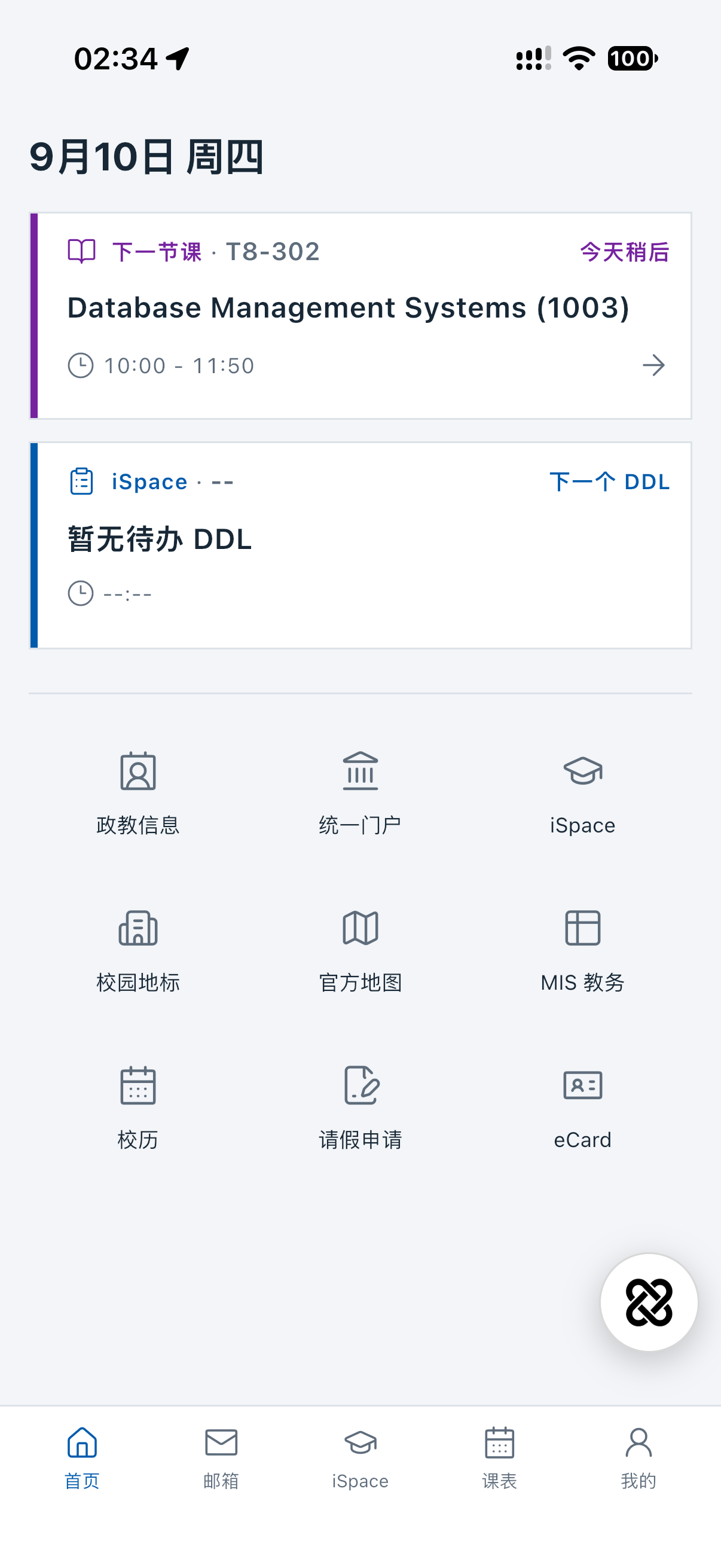
Campus services
Campus navigation, academic calendar, leave requests, the university portal and staff directory.
Choose face or fingerprint authentication to protect information in the app.
* Campus navigation is in development. Stay tuned.
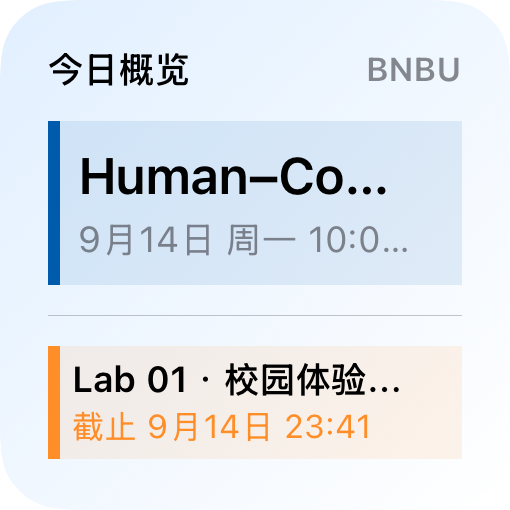
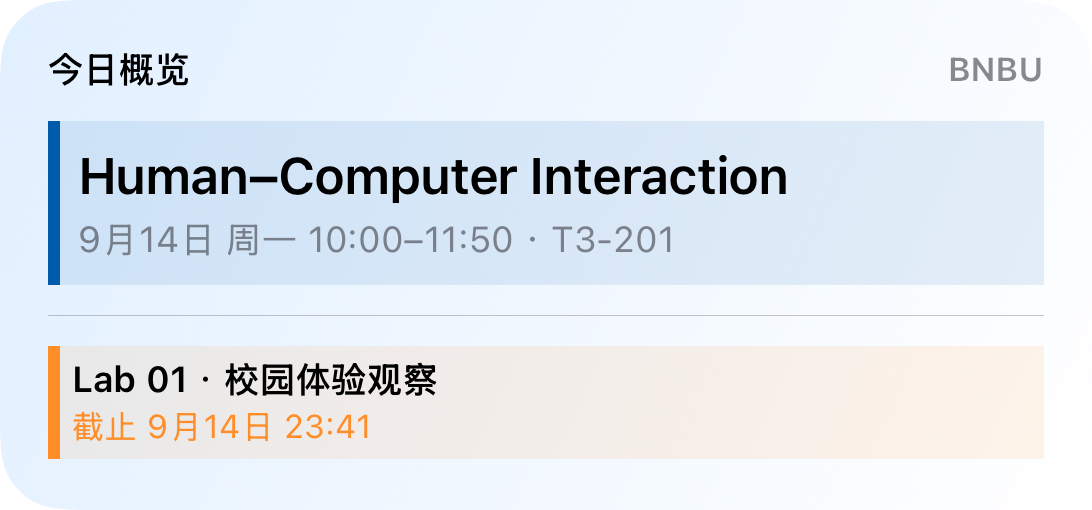
Human–Computer Interaction · 距截止还有 2 小时
截止时间 09-14 13:00
Human–Computer Interaction · 距截止还有 13 小时 10 分钟
截止时间 09-14 13:00
Human–Computer Interaction · 距截止还有 25 小时 59 分钟
截止时间 09-14 23:59
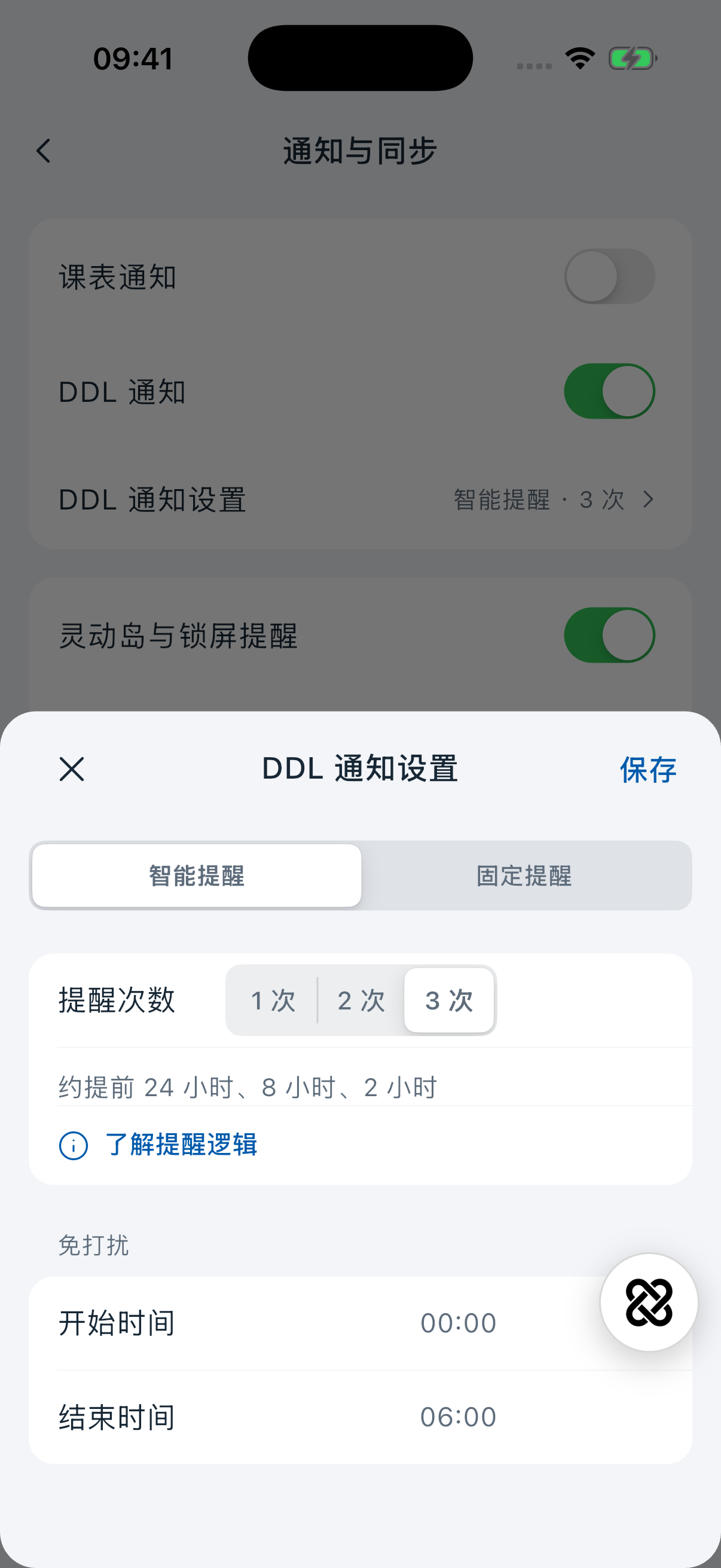
Smart deadline reminders
When enabled, reminders follow your deadlines. Prepare early, then check in as they approach.
Default reminders · approximately
Quiet hours default to 00:00–06:00. Affected reminders are grouped 10 minutes before quiet hours begin. Nearby reminders are combined to reduce interruptions.
Choose 1–3 smart reminders, set a fixed lead time, adjust quiet hours or turn reminders off.
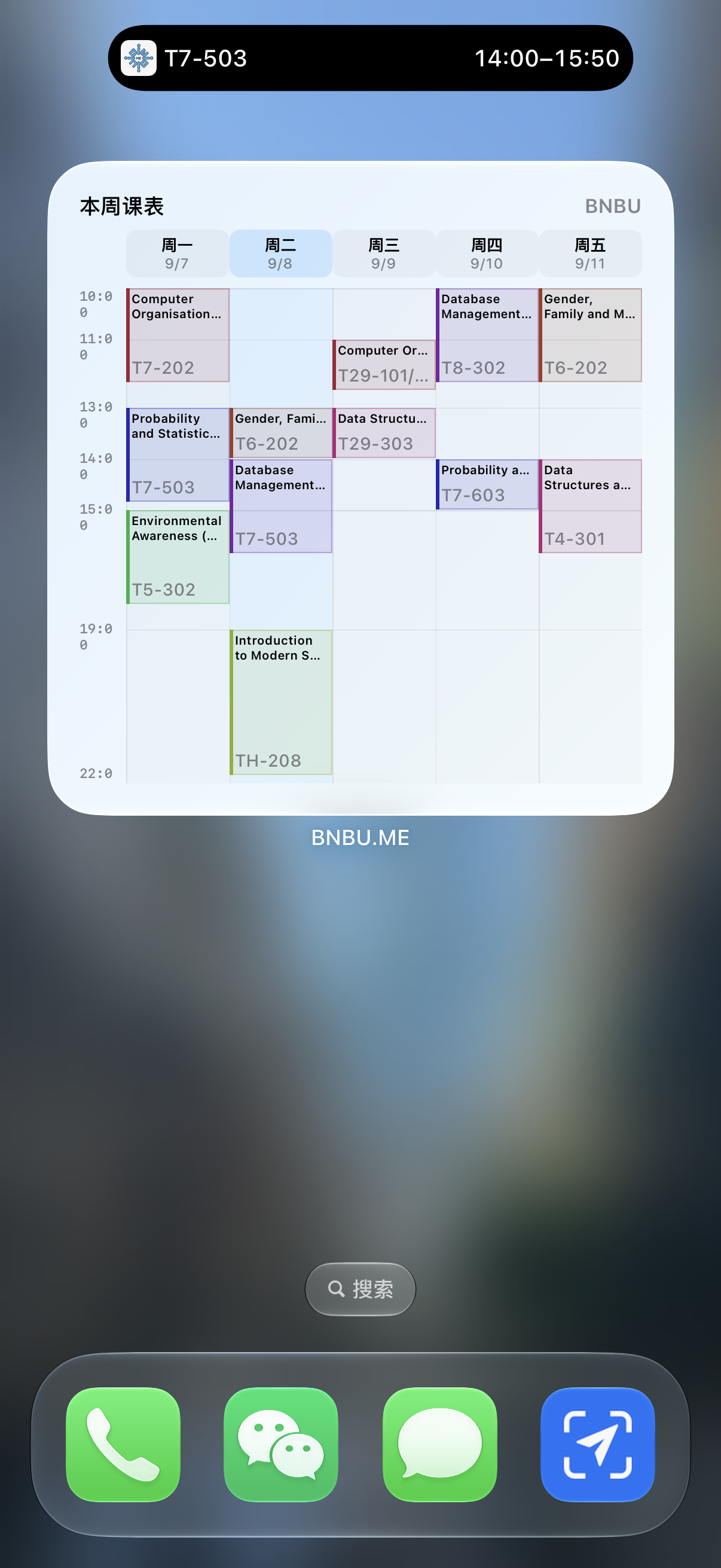
iPhone Dynamic Island
See your course, room and time before class.
Keep approaching deadlines in sight, too.
Set class and deadline reminder rules separately.
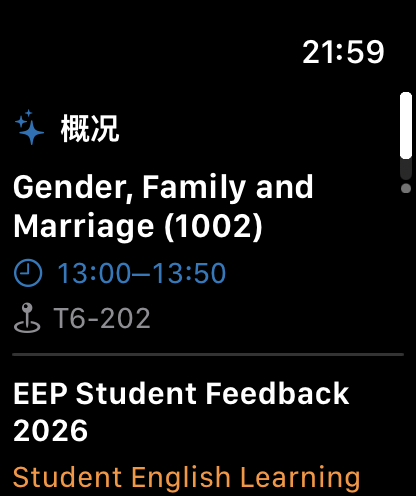
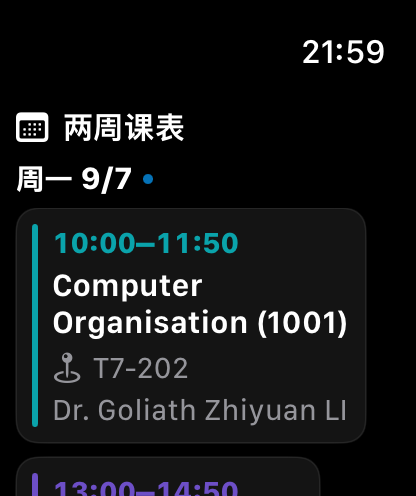
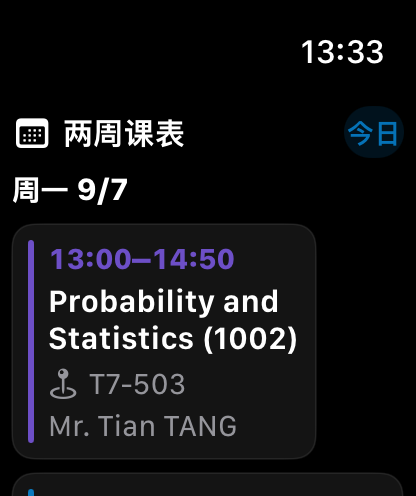
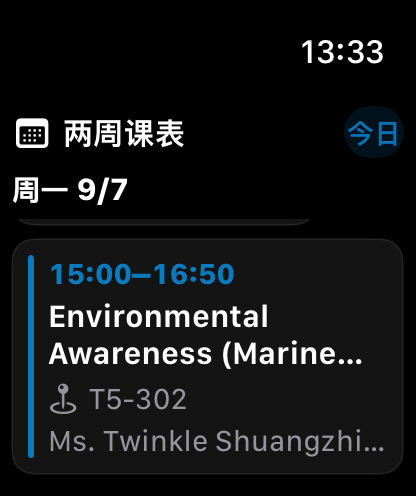
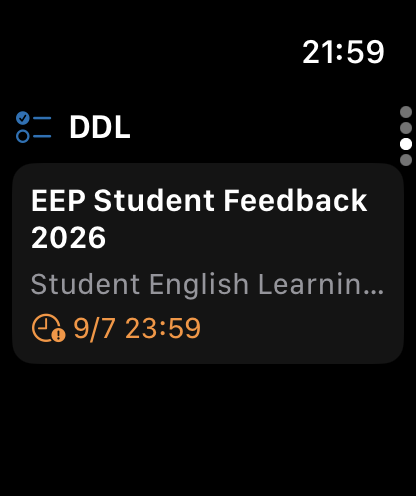
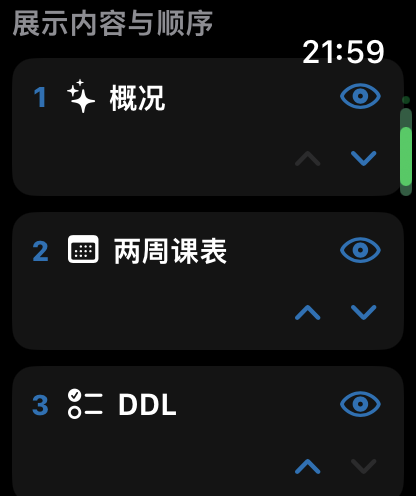
Apple Watch
Your overview, two-week timetable and deadlines.
Raise your wrist. See what is next.